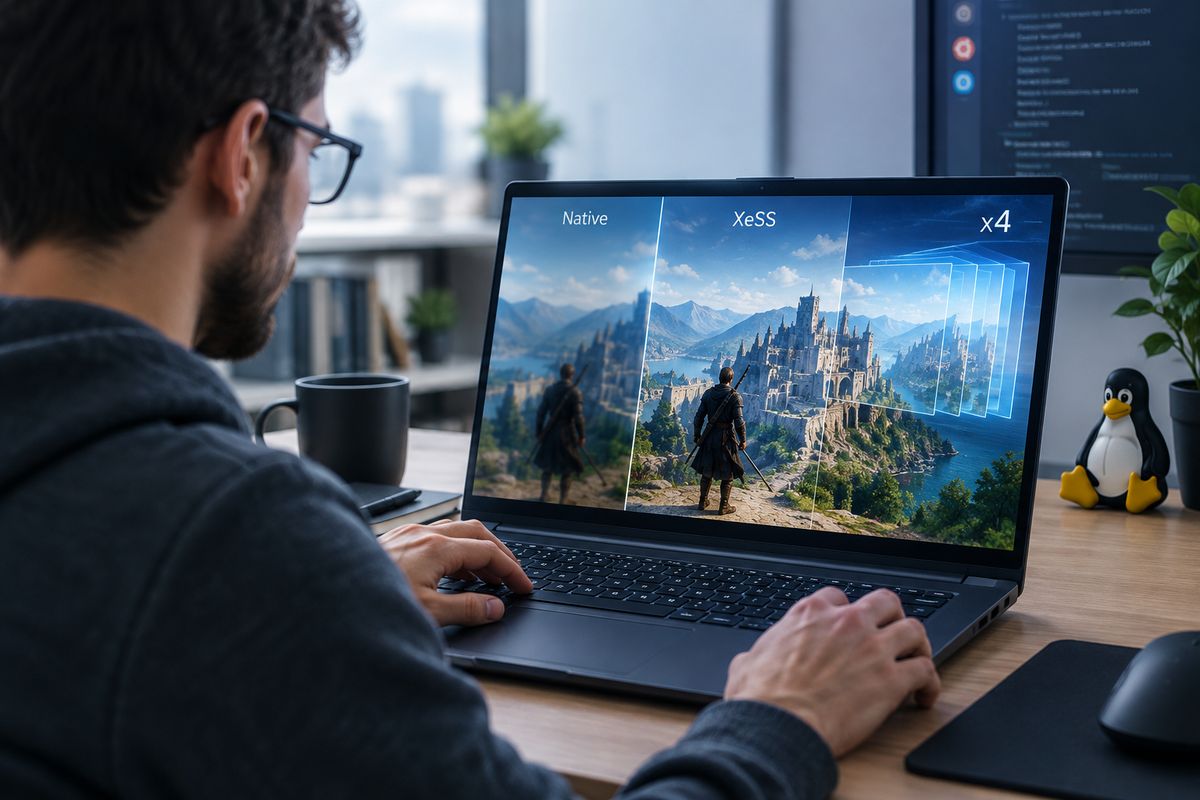
Linux gaming performance is becoming a practical topic for technology leaders, product teams, and advanced users who manage developer workstations, test environments, or high performance desktop setups. Intel XeSS and frame generation can improve visual fluidity in supported games, but on Linux the path is not always obvious. The real question for business readers is not just how to switch the feature on, but how to assess compatibility, risk, and rollout effort before standardising it across devices.
What XeSS and x4 frame generation actually change
Intel XeSS is an upscaling technology designed to increase frame rates by rendering at a lower internal resolution and reconstructing the final image with AI assisted techniques. Frame generation adds interpolated frames between rendered frames to create smoother motion. When people refer to x4 frame generation, they are usually talking about a more aggressive multi frame generation mode where additional generated frames are inserted to raise perceived smoothness beyond the base rendered output.
For a business audience, this matters in three situations: gaming focused hardware evaluation, Linux workstation optimisation, and compatibility testing for user communities or internal labs. It can also be relevant where Linux is part of a broader digital performance strategy that includes GPU efficiency, user experience, and platform standardisation.
Check the prerequisites before trying to enable it
Before changing settings, confirm four points. First, the game must support XeSS and, where relevant, frame generation. Second, your GPU and driver stack must support the required rendering path. Third, the game may run natively on Linux or through Proton, and support can differ between the two. Fourth, frame generation features are often dependent on the graphics API, anti cheat status, launch options, and the game build version.
In practice, Linux users should verify that Mesa, Vulkan components, Intel graphics drivers, and Proton versions are current. If the title is launched through Steam, check whether the latest Proton release or a compatibility layer variant exposes the feature correctly. On Linux, feature availability is often less about a single toggle and more about whether the full rendering chain supports it consistently.
How to enable XeSS in a supported Linux game
The most reliable approach is to start inside the game's graphics settings. Look for upscaling options and select Intel XeSS if it appears. Then choose the quality mode that fits the hardware target, such as Quality, Balanced, or Performance. For business testing, start with conservative settings rather than pushing for maximum frame rate immediately. This helps isolate whether issues come from upscaling, frame generation, or the wider Linux graphics stack.
If the game is running via Proton, make one change at a time. Update Proton, launch the game cleanly, enable XeSS, and validate image quality, latency, and stability. Avoid combining multiple experimental variables in the same session. That discipline reduces troubleshooting time and creates a repeatable validation process for technical teams.
How x4 frame generation is typically activated
There is no universal Linux level switch for x4 frame generation. In most cases, activation depends on the game exposing the option in its graphics menu, the game engine supporting the mode, and the compatibility layer passing through the right functions. If the title includes a frame generation setting, enable it only after XeSS or the required upscaling mode is already working properly.
Some games may require launch parameters, preview builds, or newer Proton and driver combinations before advanced frame generation modes appear. Others may expose frame generation on Windows first and only later behave correctly on Linux. For operations teams, this means feature support should be documented title by title rather than assumed across a full device fleet.
What can go wrong on Linux
The most common issues are missing menu options, unstable frame pacing, increased latency, visual artifacts, and inconsistent performance between native Linux and Proton builds. Frame generation can make average frame rate numbers look better while still degrading responsiveness in fast input scenarios. That distinction matters if systems are used for competitive gaming, demonstrations, or hardware evaluation.
Another common mistake is reading support too broadly. A game may support XeSS but not frame generation on Linux, or support frame generation only under specific driver and API conditions. Teams should test actual behaviour instead of relying on marketing level compatibility statements.
What business and IT leaders should do next
If you manage Linux devices used for gaming, graphics evaluation, or technical benchmarking, treat XeSS and frame generation as a controlled optimisation initiative. Define a shortlist of supported games, document the required GPU, driver, Proton, and in game settings, and establish a basic validation checklist covering stability, frame pacing, image quality, and user perceived responsiveness.
For smaller teams, this can remain a lightweight test matrix. For larger environments, create a standard operating note so that support staff and power users know which settings are approved and which remain experimental. That approach avoids wasted effort, reduces support noise, and keeps performance tuning aligned with real usage goals rather than feature chasing.
When this is worth the effort
Enabling XeSS and x4 frame generation on Linux is worthwhile when you need smoother visual performance from supported titles without immediate hardware upgrades, and when your team can test compatibility methodically. It is less useful when game support is uncertain, low latency matters more than visual smoothness, or the environment depends on strict configuration stability.
The key is to treat advanced graphics features as part of platform governance, not just enthusiast tweaking. On Linux, execution discipline matters as much as raw GPU capability.